1. Open the organizer
Install Medil AI from Google Play or the App Store. Open the core organizer directly—there is no account-registration step for this workflow.
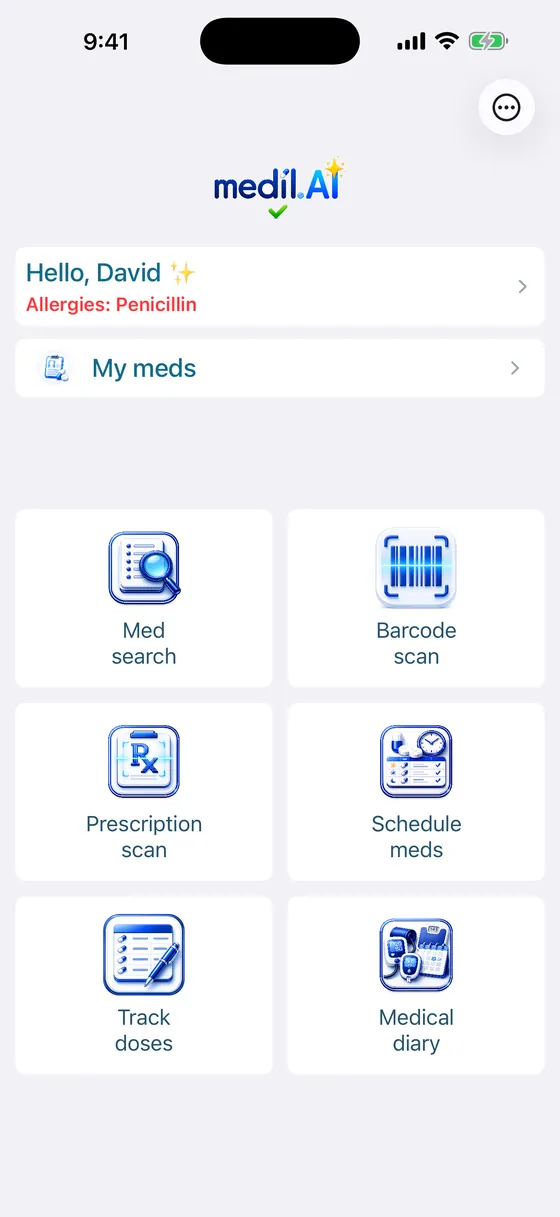
 Medil AIFree reminder overview
You can use Medil AI's core reminder tools without creating an account. Add the medication instructions you already have, choose the schedule and notification time, then record each dose in the tracker. Your schedule and today's dose record stay organized together, making the day easier to follow.
Install Medil AI from Google Play or the App Store. Open the core organizer directly—there is no account-registration step for this workflow.
Add the item and copy the schedule from the label or instructions supplied by your clinician or pharmacist. Check the entry before saving it.
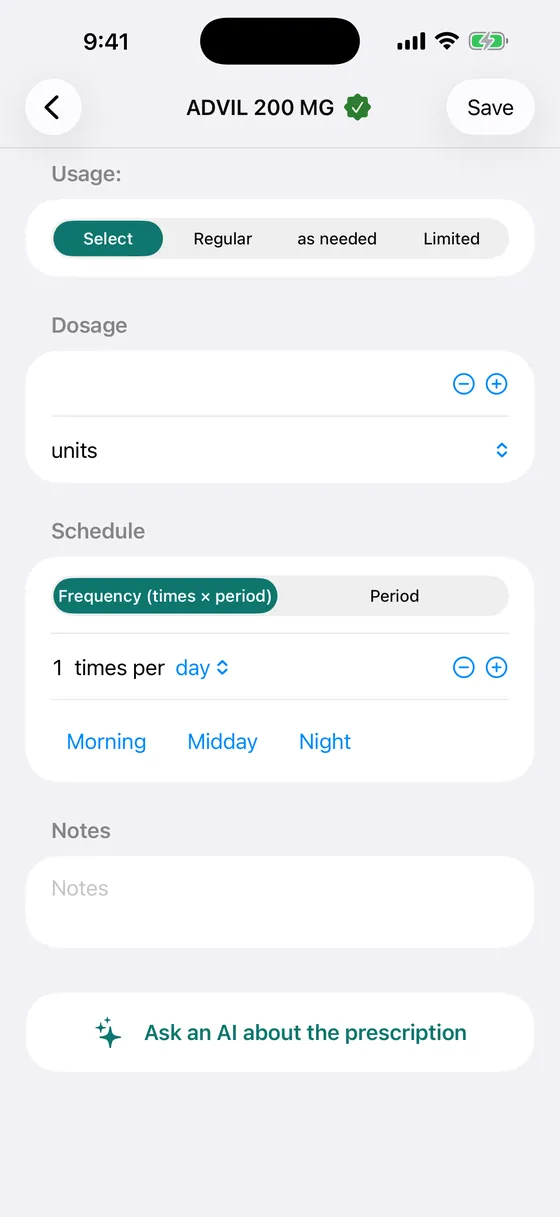
Choose times that fit your routine. To help reminders arrive as expected, allow notifications and review your phone's focus-mode and battery settings.
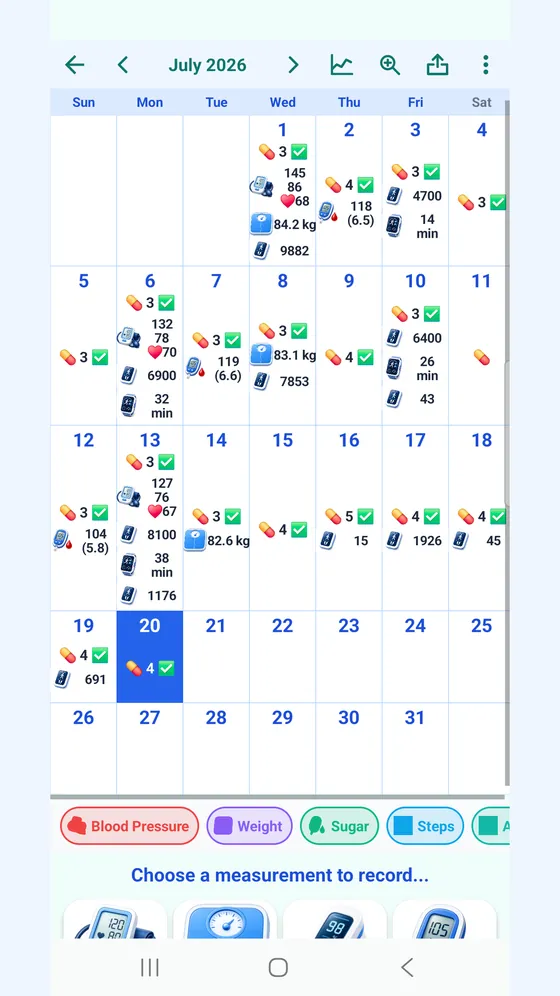
Mark each dose after you take it. Your entries build a personal history you can review in the calendar and bring to a healthcare appointment.
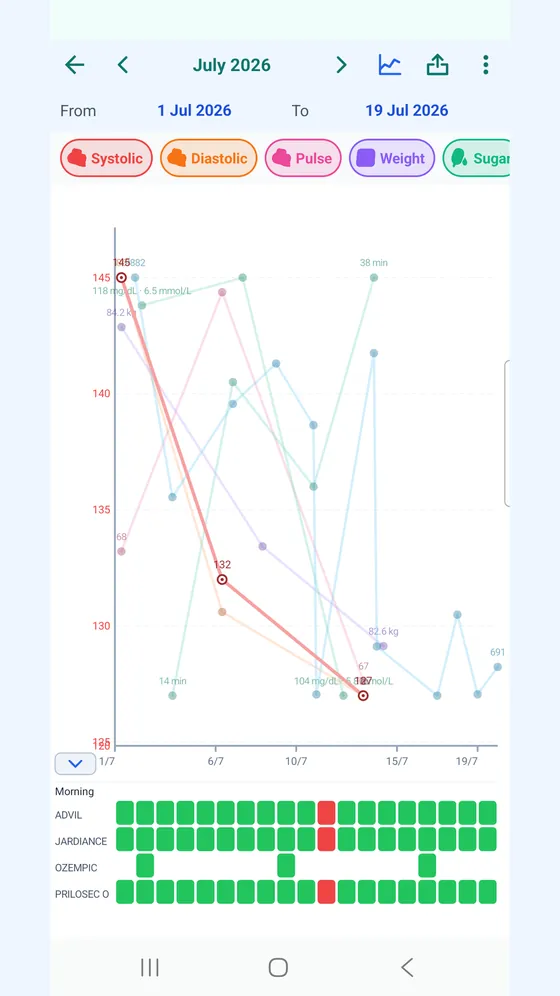
The core organizer, reminders and today's dose tracking are free. The diary calendar and charts are included during the free trial and require AI+ afterwards.
Get it on Google Play Download on the App Store
Read the sources and editorial approach, editorial policy, and privacy policy.
We use consent-gated analytics to understand how people find Medil AI. We do not collect medication names, searches or health data on this site. Privacy policy