1. Open dose tracking
Start from the home screen and open the dose-tracking workflow for the schedule you entered.
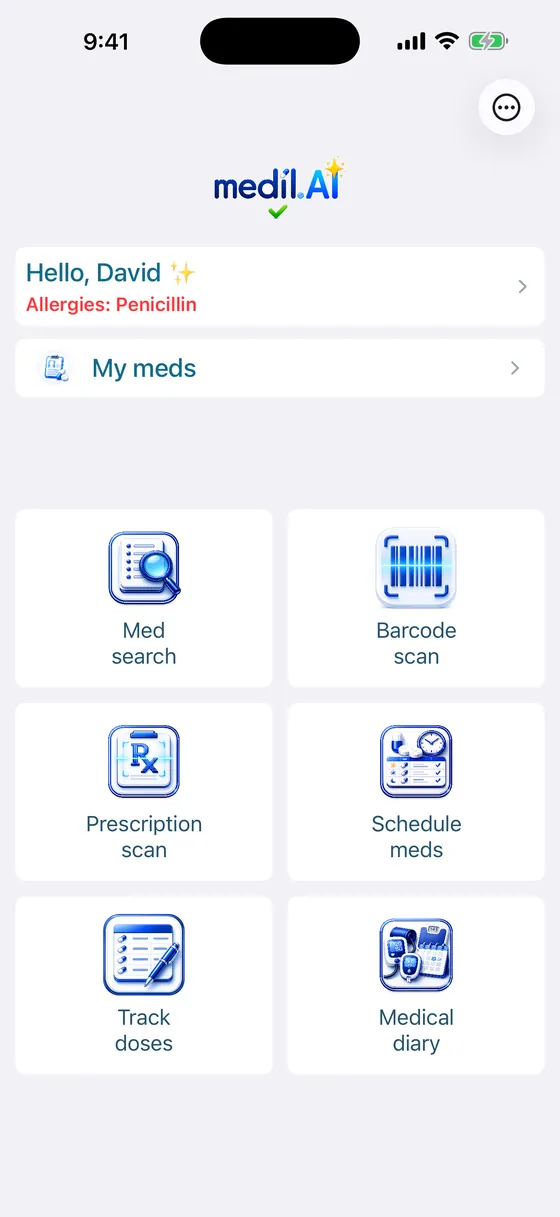
 Medil AIReminder overview
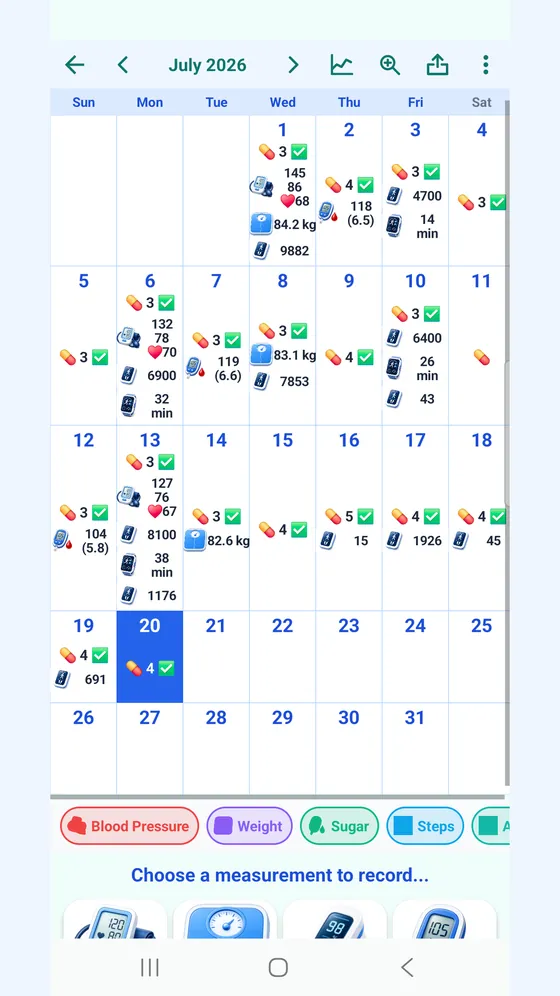
Mark the scheduled dose after you take it, then use the calendar and diary to review what you recorded. Each entry updates today's view and builds a personal history that can make daily tracking and appointment conversations easier.
Start from the home screen and open the dose-tracking workflow for the schedule you entered.
Mark a dose after taking it so today's view and your history stay accurate. When a dose is uncertain, leave it unconfirmed and check with a pharmacist or clinician before taking another.
Use the chart to look back at your own entries and share the record when discussing adherence or symptoms with a healthcare professional.
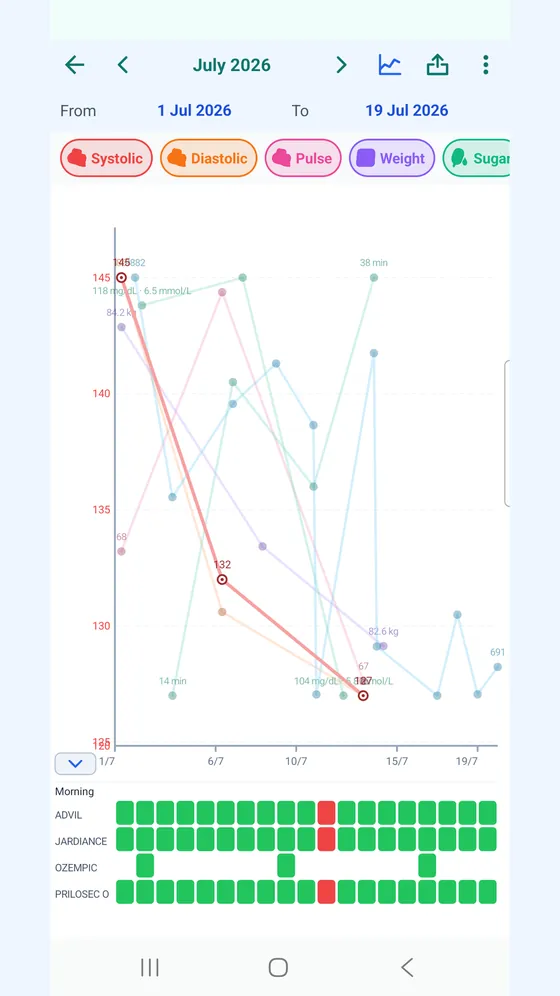
Recording doses and reviewing today's tracker are free. The diary calendar and charts are included during the free trial and require AI+ afterwards.
Set up a reminder without an account · Keep a schedule while travelling · Sources and editorial approach
Corrections: support@medil.ai.
We use consent-gated analytics to understand how people find Medil AI. We do not collect medication names, searches or health data on this site. Privacy policy